
movies35 items


 +27
Adventure Time Characters
Rank the Adventure Time characters — place each into S, A, B, C, D or F tier.
Rank this template →257 templates · Page 1 of 3
+27Rank the Adventure Time characters — place each into S, A, B, C, D or F tier.
Rank this template →






 +14
Rank the Age of Empires IV civilizations — place each into S, A, B, C, D or F tier.
Rank this template →Compare 10 selected AI products across coding, writing, images, and audio. These are different tools, not a current model benchmark.
Rank this template →





 +26
Rank the Angry Birds characters — place each into S, A, B, C, D or F tier.
Rank this template →


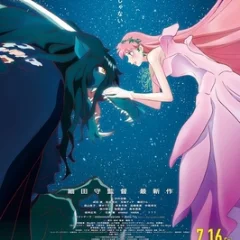

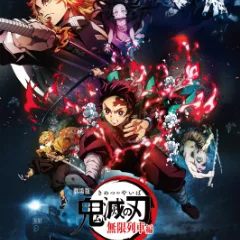 +32
Rank the greatest anime movies — place each into S, A, B, C, D or F tier.
Rank this template →




 +42
Rank the top anime series — place each into S, A, B, C, D or F tier.
Rank this template →



 +22
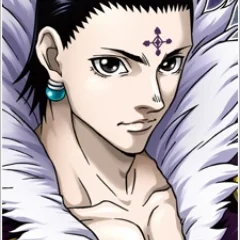
Rank the Anime Villains — place each into S, A, B, C, D or F tier.
Rank this template →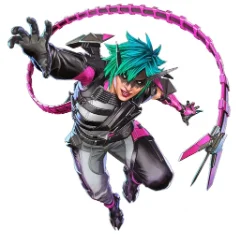
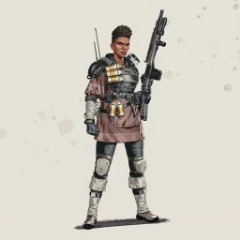
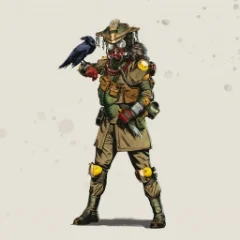
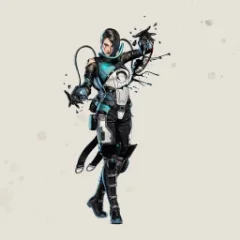
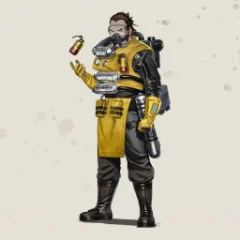
 +19
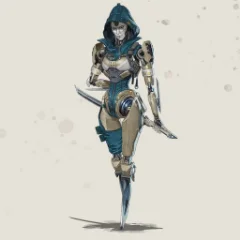
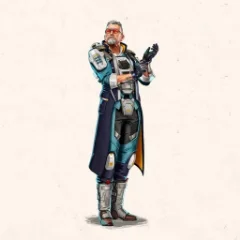
Rank every Apex Legends legend — place each into S, A, B, C, D or F tier.
Rank this template →


 +17
Rank the Arcane characters — place each into S, A, B, C, D or F tier.
Rank this template →

 +27
Rank the Assassination Classroom characters — place each into S, A, B, C, D or F tier.
Rank this template →



 +37
Rank the Attack on Titan characters — place each into S, A, B, C, D or F tier.
Rank this template →Rank 12 selected Attack on Titan characters by character writing, impact, or personal preference.
Rank this template →





 +32
Rank the Avatar The Last Airbender characters — place each into S, A, B, C, D or F tier.
Rank this template →



 +27
Rank the Baldur's Gate 3 characters — place each into S, A, B, C, D or F tier.
Rank this template →
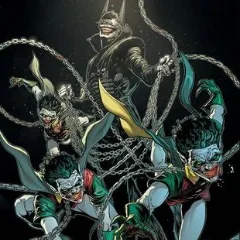
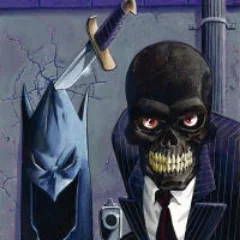
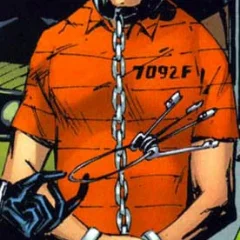


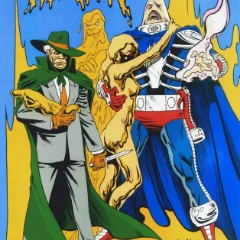 +28
Rank the Batman villains — place each into S, A, B, C, D or F tier.
Rank this template →






 +32




 +54




 +17
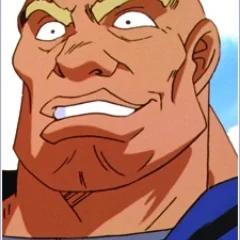
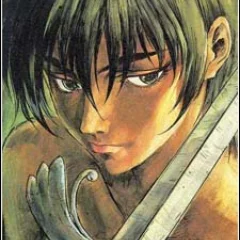
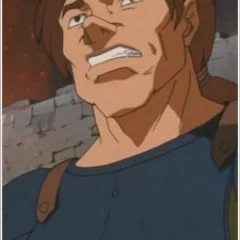
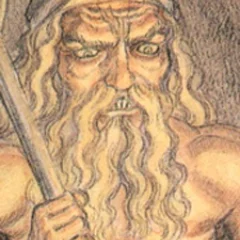
Rank the Berserk characters — place each into S, A, B, C, D or F tier.
Rank this template →





 +22
Rank the Black Butler characters — place each into S, A, B, C, D or F tier.
Rank this template →




 +37
Rank the Black Clover characters — place each into S, A, B, C, D or F tier.
Rank this template →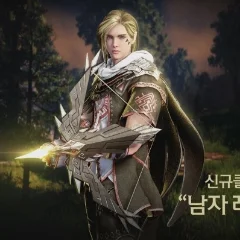
 +20
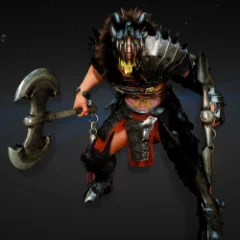
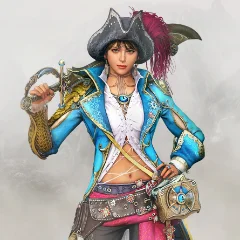
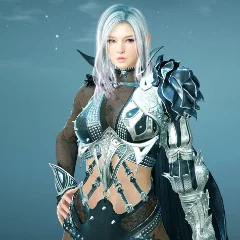
Rank the Black Desert Online classes — place each into S, A, B, C, D or F tier.
Rank this template →





 +42
Rank the Bleach characters — place each into S, A, B, C, D or F tier.
Rank this template →


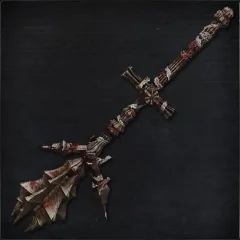
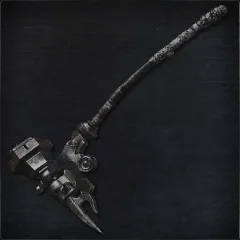
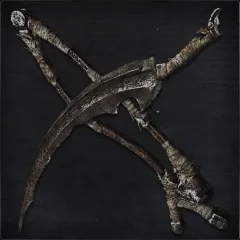 +34
Rank the Bloodborne weapons — place each into S, A, B, C, D or F tier.
Rank this template →






 +9
Rank the Bloons TD 6 heroes — place each into S, A, B, C, D or F tier.
Rank this template →



 +34
Rank the Blox Fruits devil fruits — place each into S, A, B, C, D or F tier.
Rank this template →


 +34
Rank the Blox Fruits swords — place each into S, A, B, C, D or F tier.
Rank this template →




 +22
Rank the Blue Lock characters — place each into S, A, B, C, D or F tier.
Rank this template →





 +27

 +27






 +37







 +20
Rank the Breaking Bad characters — place each into S, A, B, C, D or F tier.
Rank this template →




 +20







 +15






 +22
Rank the Captain Tsubasa characters — place each into S, A, B, C, D or F tier.
Rank this template →






 +38




 +32
Rank the car manufacturers — place each into S, A, B, C, D or F tier.
Rank this template →






 +41
Rank the Cartoon Network shows — place each into S, A, B, C, D or F tier.
Rank this template →



 +39






 +40







 +23




 +17
Rank the Chainsaw Man characters — place each into S, A, B, C, D or F tier.
Rank this template →





 +32






 +17
Rank the chocolate brands — place each into S, A, B, C, D or F tier.
Rank this template →




 +20
Rank the chocolate brands — place each into S, A, B, C, D or F tier.
Rank this template →

 +35
Rank the Civilization V leaders — place each into S, A, B, C, D or F tier.
Rank this template →
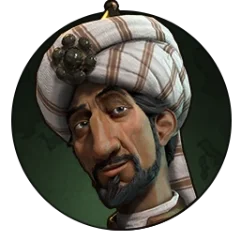


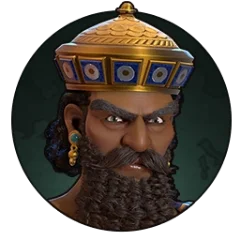
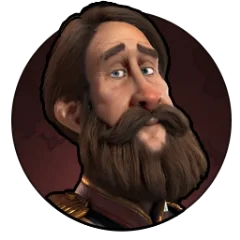
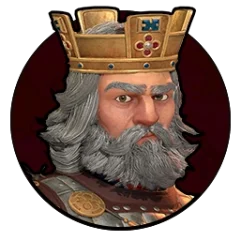
 +42
Rank the Civilization VI civilizations — place each into S, A, B, C, D or F tier.
Rank this template →






 +17
Rank the Classroom of the Elite characters — place each into S, A, B, C, D or F tier.
Rank this template →





 +22
Rank the Code Geass characters — place each into S, A, B, C, D or F tier.
Rank this template →



 +17
Rank the Cuphead bosses — place each into S, A, B, C, D or F tier.
Rank this template →



 +26
Rank the Cuphead bosses — place each into S, A, B, C, D or F tier.
Rank this template →





 +17
Rank the Dandadan characters — place each into S, A, B, C, D or F tier.
Rank this template →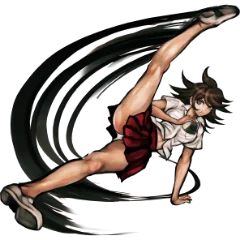

 +40
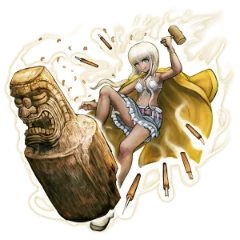
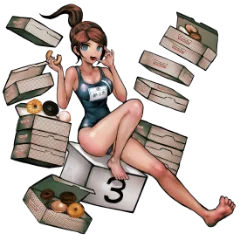
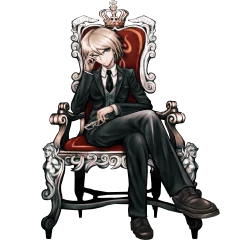
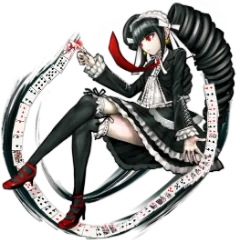
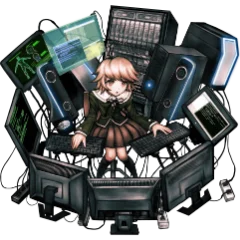
Rank the Danganronpa characters — place each into S, A, B, C, D or F tier.
Rank this template →



 +30

 +36
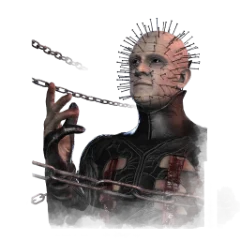
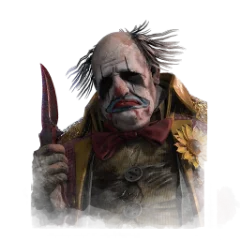
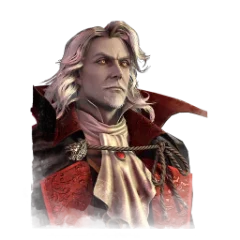
Rank every Dead by Daylight killer — place each into S, A, B, C, D or F tier.
Rank this template →



 +39
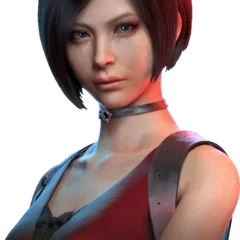
Rank the Dead by Daylight survivors — place each into S, A, B, C, D or F tier.
Rank this template →






 +34
Rank the Dead Cells weapons — place each into S, A, B, C, D or F tier.
Rank this template →




 +17
Rank the Death Note characters — place each into S, A, B, C, D or F tier.
Rank this template →





 +28
Rank the Deltarune characters — place each into S, A, B, C, D or F tier.
Rank this template →






 +42
Rank the Demon Slayer characters — place each into S, A, B, C, D or F tier.
Rank this template →
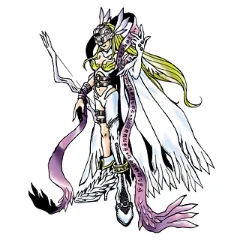
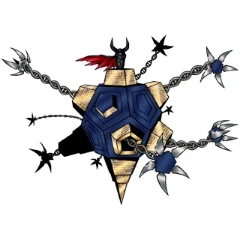
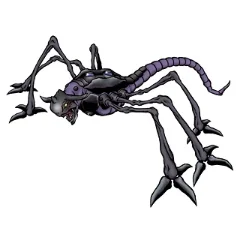
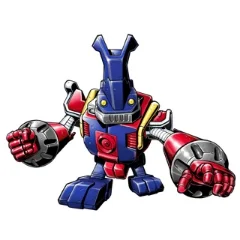
 +43



 +41
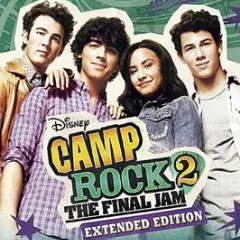
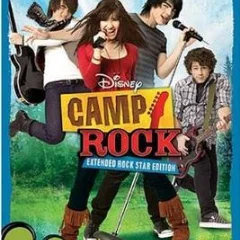
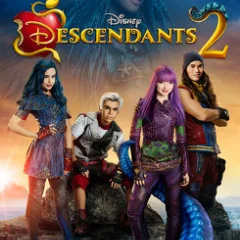
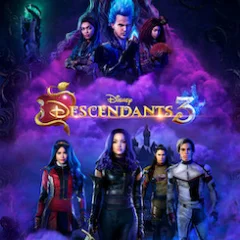
 +27
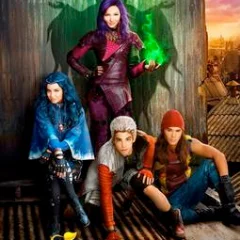
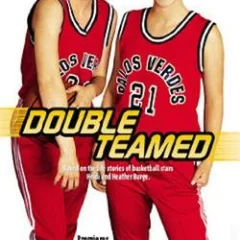
Rank the Disney Channel movies — place each into S, A, B, C, D or F tier.
Rank this template →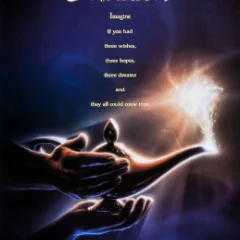



 +56
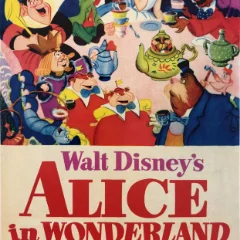
Rank the Disney animated movies — place each into S, A, B, C, D or F tier.
Rank this template →




 +5
Rank the Disney princesses — place each into S, A, B, C, D or F tier.
Rank this template →






 +42
Rank the Disney villains — place each into S, A, B, C, D or F tier.
Rank this template →
 +30
Rank the Dissidia Final Fantasy characters — place each into S, A, B, C, D or F tier.
Rank this template →
 +6



 +43







 +27
Rank the Dr. Stone characters — place each into S, A, B, C, D or F tier.
Rank this template →
 +33
Rank the Dragon Ball arcs — place each into S, A, B, C, D or F tier.
Rank this template →
 +42
Rank the Dragon Ball characters — place each into S, A, B, C, D or F tier.
Rank this template →

 +36
Rank the Dragon Ball FighterZ roster — place each into S, A, B, C, D or F tier.
Rank this template →

 +36
Rank the Dragon Ball FighterZ fighters — place each into S, A, B, C, D or F tier.
Rank this template →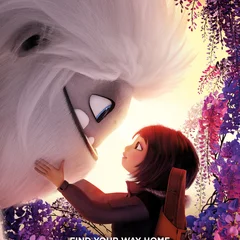



 +49
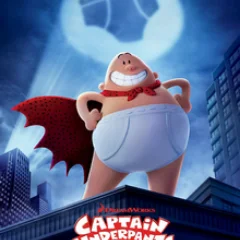
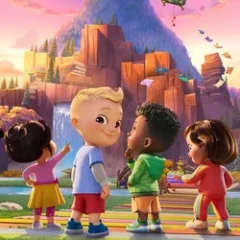
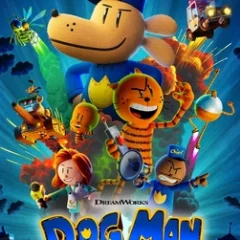
Rank the DreamWorks Animation movies — place each into S, A, B, C, D or F tier.
Rank this template →

 +52
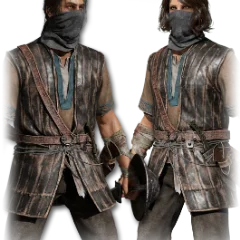
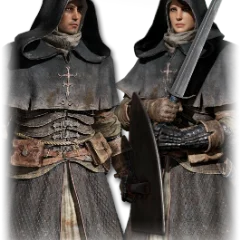
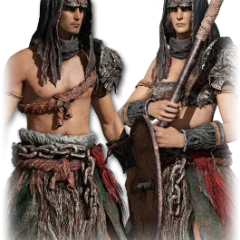
Rank the Elden Ring armor sets — place each into S, A, B, C, D or F tier.
Rank this template →
 +36
Rank the Elden Ring bosses — place each into S, A, B, C, D or F tier.
Rank this template →Rank 10 selected bosses from Elden Ring and Shadow of the Erdtree, including Malenia, Messmer, and Promised Consort Radahn. This is a starter selection, not every boss.
Rank this template →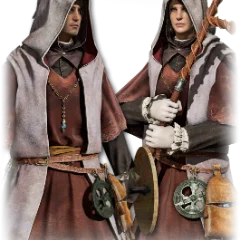
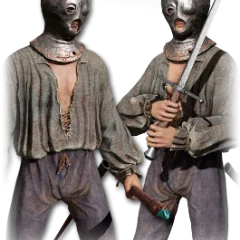
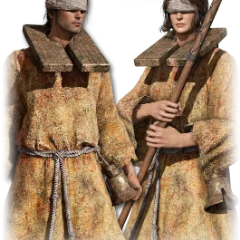
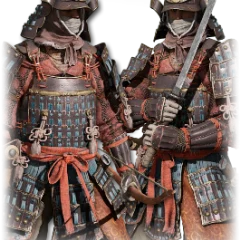
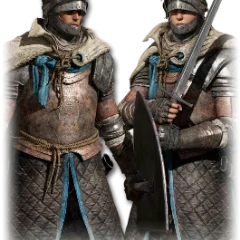 +2
Rank the Elden Ring starting classes — place each into S, A, B, C, D or F tier.
Rank this template →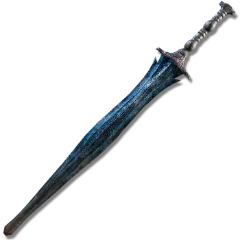
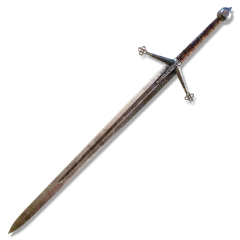
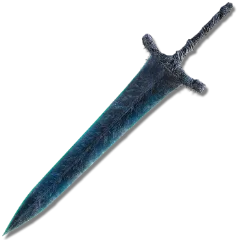
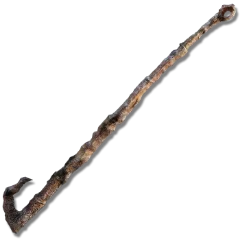
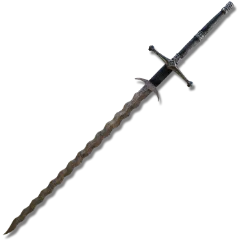 +17
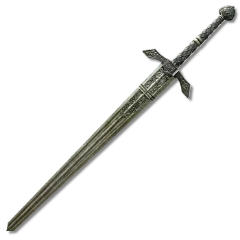
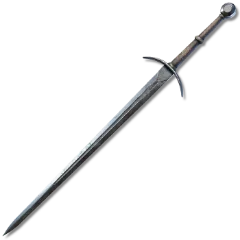
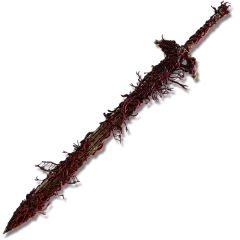
Rank the Elden Ring greatswords — place each into S, A, B, C, D or F tier.
Rank this template →
 +52
Rank the Elden Ring incantations — place each into S, A, B, C, D or F tier.
Rank this template →
 +52
Rank the Elden Ring spells — place each into S, A, B, C, D or F tier.
Rank this template →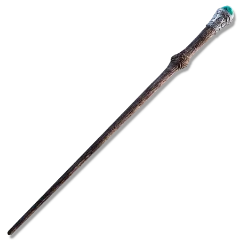
 +13
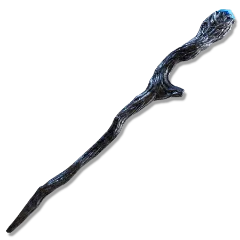
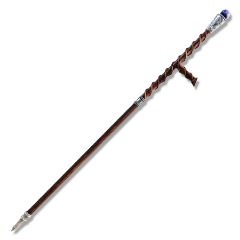
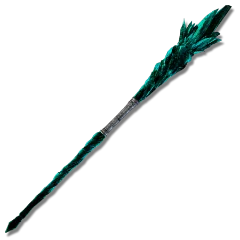
Rank the Elden Ring staffs — place each into S, A, B, C, D or F tier.
Rank this template →
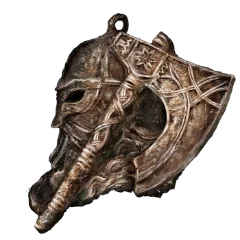
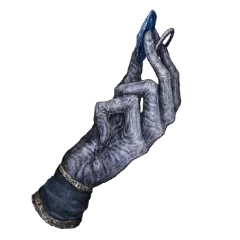
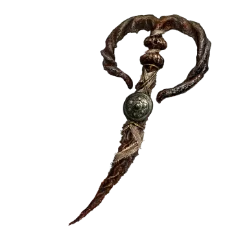
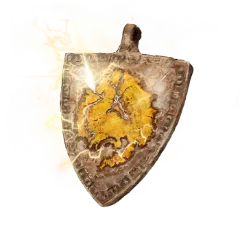 +52
Rank the Elden Ring talismans — place each into S, A, B, C, D or F tier.
Rank this template →






Rank the Elder Scrolls Online classes — place each into S, A, B, C, D or F tier.
Rank this template →Rank 10 selected energy drinks and flavors by personal taste. Formulas and availability may differ between markets.
Rank this template →






 +32
Rank the Eurovision winners — place each into S, A, B, C, D or F tier.
Rank this template →





 +12
Rank the Evangelion characters — place each into S, A, B, C, D or F tier.
Rank this template →






 +27






 +42
Rank the Fairy Tail characters — place each into S, A, B, C, D or F tier.
Rank this template →


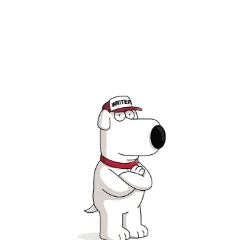


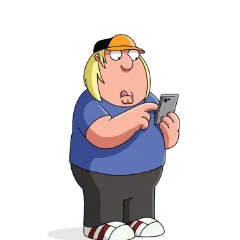
 +27
Rank the Family Guy characters — place each into S, A, B, C, D or F tier.
Rank this template →

 +32
Compare fries from 10 selected fast-food chains. Availability, recipes, and serving quality can vary by location.
Rank this template →






 +32
Rank the fast food chains — place each into S, A, B, C, D or F tier.
Rank this template →






 +38
Rank the Final Fantasy Brave Exvius characters — place each into S, A, B, C, D or F tier.
Rank this template →
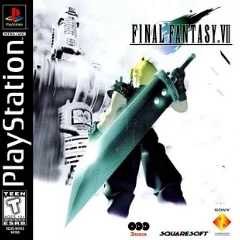
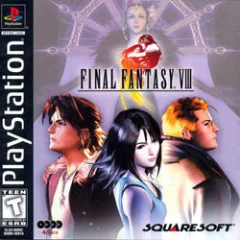 +8
Rank the Final Fantasy games — place each into S, A, B, C, D or F tier.
Rank this template →






 +15
Rank the Final Fantasy XIV jobs — place each into S, A, B, C, D or F tier.
Rank this template →


 +29
Rank the Fire Emblem Engage playable characters — place each into S, A, B, C, D or F tier.
Rank this template →
 +9
Rank the Fire Emblem games — place each into S, A, B, C, D or F tier.
Rank this template →
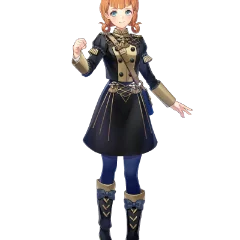
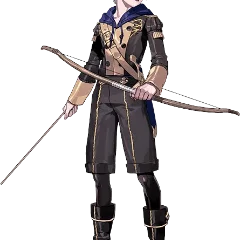
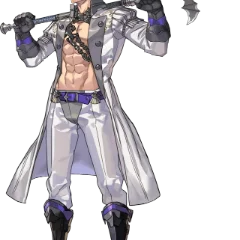
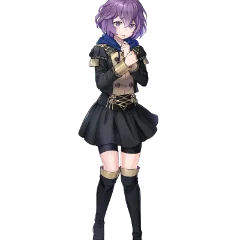
 +33
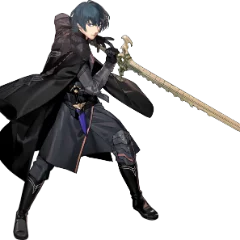
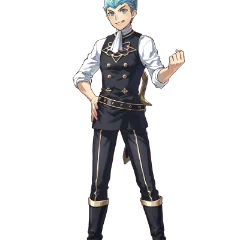
Rank the Fire Emblem Three Houses characters — place each into S, A, B, C, D or F tier.
Rank this template →The template directory brings together starting rosters for games, anime, films, music, food, sport, and other subjects. A template is a set of entries for you to arrange, rather than a declaration that one entry is already better than another. Preview cards show some of the available names or artwork so you can identify the subject before opening it. The item count describes that saved roster; it should not be read as a claim that every possible member of a franchise or category is included.
Choose a category when the full catalog is too broad. Gaming includes different kinds of comparisons, from playable characters to entire releases, while movie templates may focus on one franchise or a selection of films. Check the complete item names on the template page and read its scope before deciding whether it matches your question. Two templates with similar titles can cover different selections, so the actual roster matters more than an attractive cover image.
Every directory page links its entries directly, and numbered pages continue the list when there are more than one hundred templates. You can open those links without using a search box or running the interactive editor first. Community templates remain available while their explanatory material is being improved, even if they are not included in the search-engine sitemap. If nothing fits, open the editor with a blank board and build a more precise selection. A focused roster with a clear ranking rule is usually easier to discuss than an oversized collection of unrelated choices.